Backup Data (iOS)

After switch request, please back up your device in advance.
How to back up with iCloud
-
Step 1
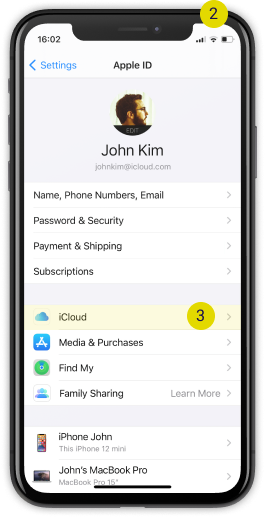
Back up ‘your existing device’ on iCloud.

-
Step 2
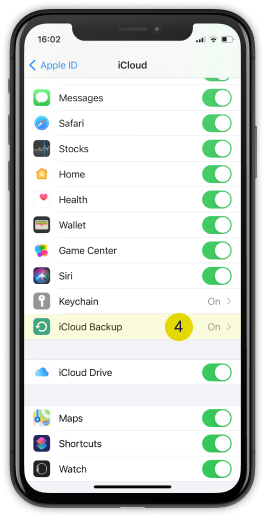
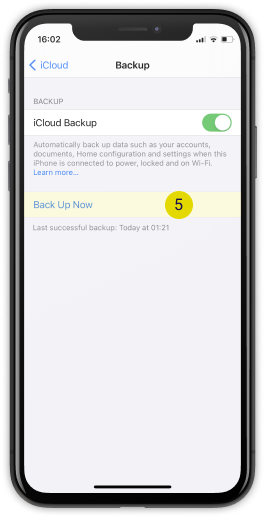
Select iCloud Backup.
-
Step 3
Select Back up Now to complete data back up.
Recovery Data (iOS)
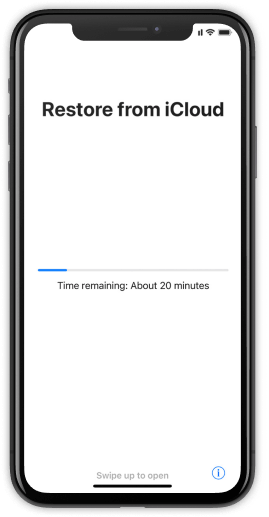
After receiving your new device, please progress the data backup process
How to recover the device with iCloud
-
Step 1
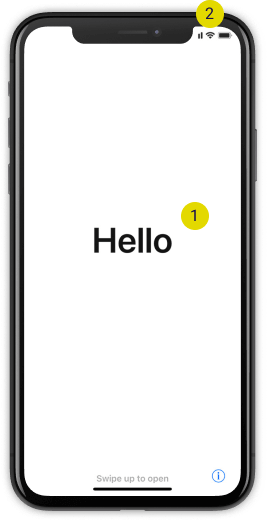
Turn on ‘your new device’ and connect to Wi-Fi network.
-
Step 2
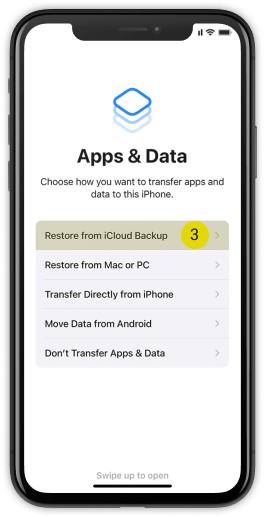
On App or data screen, please recover from iCloud back up.
-
Step 3
Complete your recovery.